Smartphone Apps for Sleep Tracking: Helpful Tool or Sleep Distraction?
Smartphone Apps for Sleep Tracking: How to Use Them Without Ruining Your Sleep Smartphone apps for sleep tracking can help you understand how you sleep and...
In this article
Smartphone apps for sleep tracking can help you understand how you sleep and what keeps you tired. Used well, they support better habits, help you fall asleep faster, and show patterns you might miss. Used badly, they keep you awake, raise stress, and add more blue light at night.
This guide explains how to track sleep accurately with a phone, how to read the data, and how to combine apps with proven sleep habits. You will also learn about deep sleep, naps, bedtime routines, and when tiredness after 8 hours of sleep means you should look deeper.
How Smartphone Sleep Tracking Actually Works
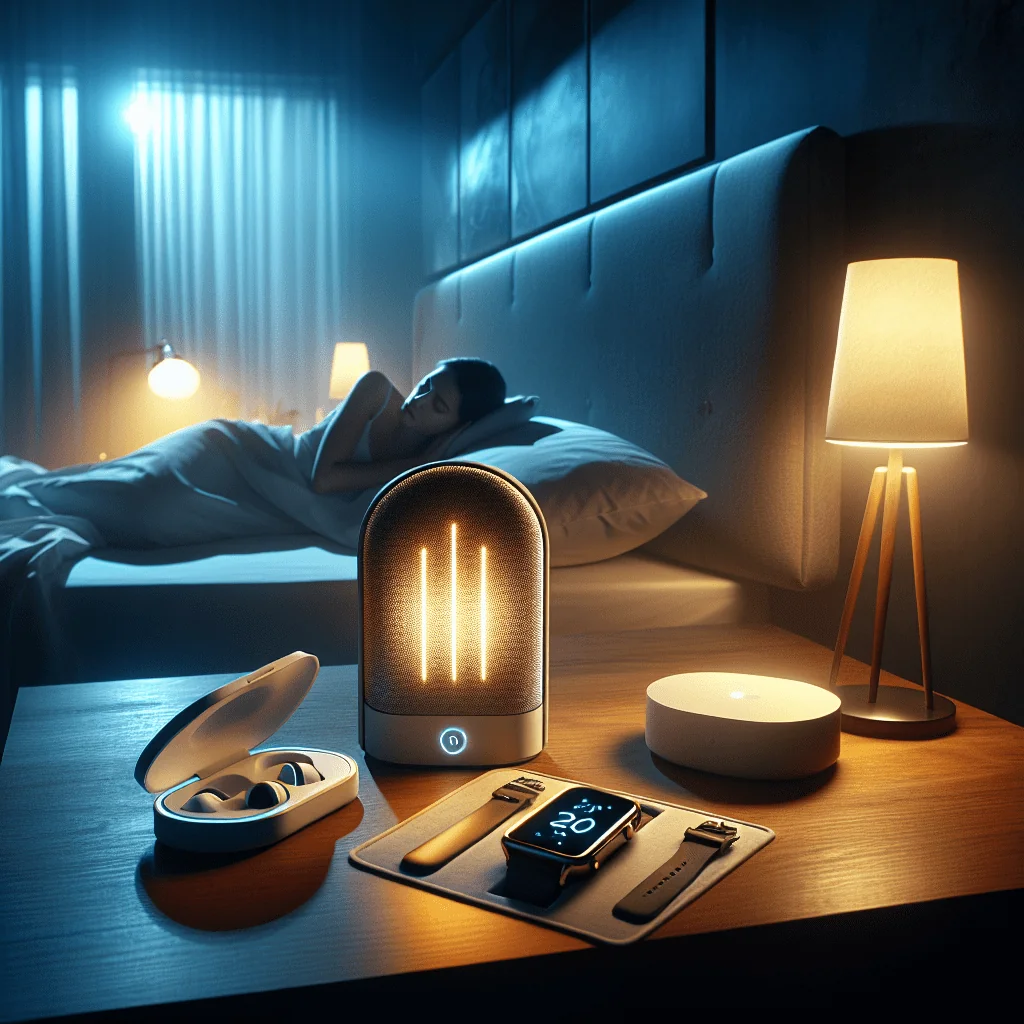
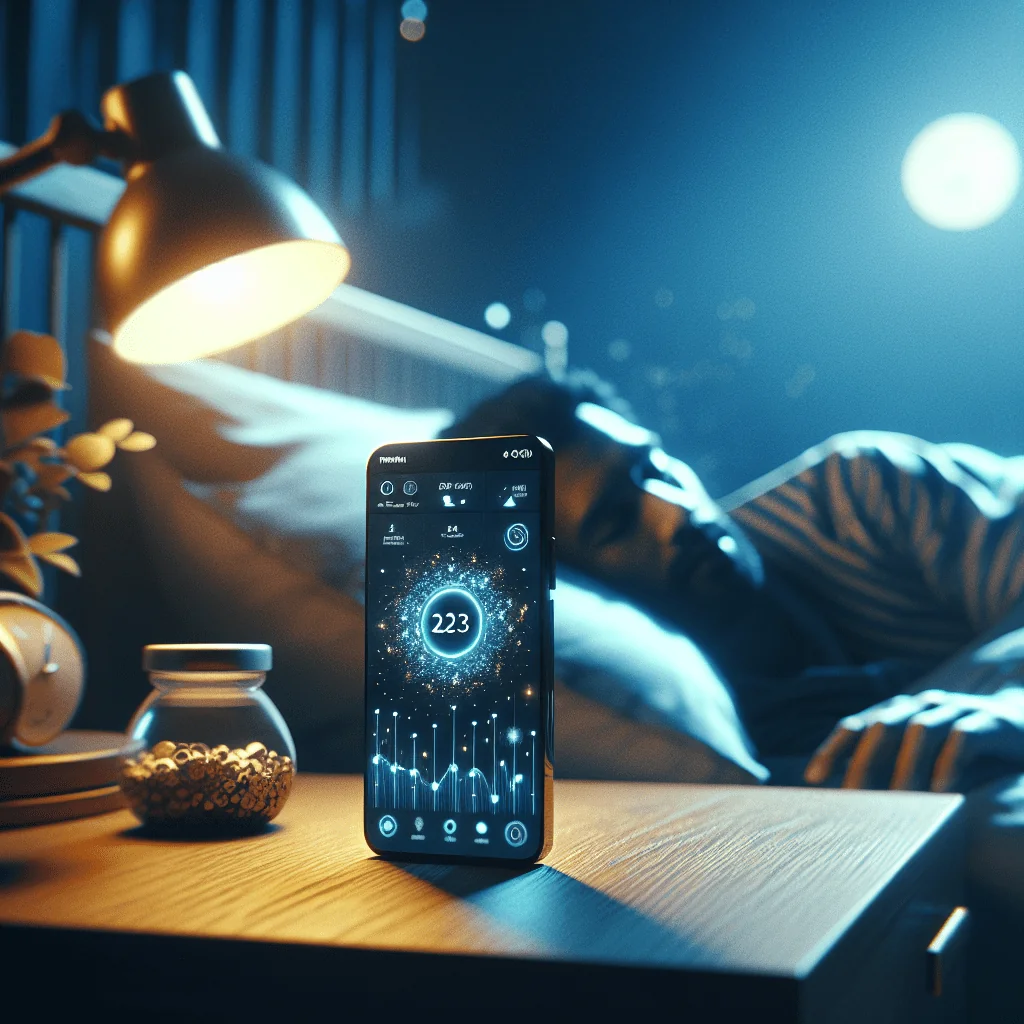
Most smartphone apps for sleep tracking use the phone’s microphone and motion sensors. The app listens for breathing and movement and guesses sleep stages from that pattern. Some apps connect to wearables, which add heart rate and oxygen data.
These apps do not measure brain waves like a sleep lab. They estimate light sleep, deep sleep, and REM based on movement, sound, and sometimes heart rate. The data is not perfect, but it is often good enough to show trends over weeks.
Think of your app as a sleep diary with extra data, not as a medical test. Use it to spot patterns: what time you fall asleep, how often you wake at night, and how long you stay in bed.
How to Track Sleep Accurately With a Smartphone
To get useful data, you need a simple setup and a consistent routine. The goal is to capture your natural sleep, not a “perfect” night that you force for the app.
- Place the phone correctly: put it face down, near your pillow but not under it, or follow the app’s exact position advice.
- Use airplane mode: turn on airplane mode and keep Wi‑Fi and mobile data off to reduce distractions and late messages.
- Charge safely: plug the phone in away from your body so the battery lasts all night.
- Start tracking before you relax: start the app, then begin your bedtime routine so tracking includes wind-down time.
- Log naps and wake-ups: use the app’s notes or tags to record naps, night awakenings, alcohol, caffeine, or late workouts.
- Track at least two weeks: look at trends over 14 nights or more, not single nights.
When you use the app the same way every night, you reduce noise in the data. That makes it easier to see what truly affects your sleep.
How Many Hours of Sleep Do You Need, and What Should Apps Show?
Most healthy adults need around 7–9 hours of sleep per night. Your ideal number depends on age, health, and daily stress. Smartphone apps for sleep tracking can show how much time you spend asleep versus just lying in bed.
If you feel rested, focus less on the exact hours and more on consistency. If you ask, “Why am I tired after 8 hours sleep?” look at sleep quality instead of only duration. Fragmented sleep, frequent wake-ups, or poor deep sleep can leave you tired even with long sleep.
Use your app to track three key numbers: total sleep time, time to fall asleep, and number of awakenings. Match those numbers with how you feel during the day. Your body’s signals matter more than the app’s sleep score.
Using Apps to Improve Deep Sleep and Night Awakenings
Deep sleep is the stage that supports physical recovery and immune health. Many apps estimate deep sleep and let you see how habits change that amount. Use this as a guide, not a strict goal.
If you often wonder, “Why do I wake up at night?” check your app’s graph. Look for patterns: do you wake more on nights with late caffeine, heavy meals, or intense evening workouts? Add notes in the app so you can link habits to sleep breaks.
To improve deep sleep, use the app to test changes: earlier dinner, cooler room, or shorter afternoon coffee window. Track each change for a week before judging the effect.
Sleep Hygiene Checklist to Pair With Tracking Apps
Data alone will not fix your sleep. You need good sleep hygiene to support what the app shows. You can keep this simple checklist in your notes and review it when your sleep score drops.
- Keep a regular sleep and wake time, even on weekends.
- Aim for a dark, quiet, and cool bedroom.
- Avoid large meals, alcohol, and heavy exercise close to bedtime.
- Limit caffeine at least six hours before bed.
- Use your bed for sleep and sex only, not for work or scrolling.
- Create a 30–60 minute wind-down routine away from bright screens.
- Limit long or late naps that cut into night sleep.
- Manage stress with breathing, stretching, or journaling before bed.
Your app can show how well you follow this checklist over time. When sleep quality drops, check which habits slipped and adjust one at a time.
Best Bedtime Routine for Adults: Using Apps Without Overthinking
Smartphone apps for sleep tracking should support your bedtime, not control it. A good adult bedtime routine sends a clear “sleep soon” signal to your brain, which helps you fall asleep fast.
Try a simple 45–60 minute routine: dim lights, stop work, and put the phone on airplane mode. Start tracking, then shift to offline activities like reading, stretching, or a warm shower. Avoid checking messages or social media after you start the app.
If you feel anxious watching your sleep data, delay viewing it until midday. Do not review your sleep score first thing in the morning. This reduces stress and prevents the app from shaping your mood for the day.
How to Stop Scrolling Before Bed and Reduce Blue Light Impact
Many people want to improve sleep but still scroll in bed. Blue light from screens can delay melatonin, the hormone that signals sleep, and mental stimulation keeps your brain active. Your app can become part of the problem if you keep using the phone after starting tracking.
Set a “screen curfew” at least 30–60 minutes before your target sleep time. Use that cut-off to start tracking, then put the phone face down and do no more screen tasks. If you must use your phone, lower brightness and use night mode, but still aim to stop fully before bed.
Some apps offer soothing sounds or breathing exercises. If you use these, start the audio and then turn the screen off. Avoid switching between the app and social media, which pulls you back into scrolling.
Naps, Rest Days, and Recovery: What Your App Can Show
Many smartphone apps for sleep tracking let you log naps and workouts. This helps you link daytime rest and exercise to night sleep. Naps are not always bad; they can help recovery after sleep deprivation or heavy training.
Short naps under 30 minutes earlier in the day are usually best. Long or late naps can make it harder to fall asleep at night and can confuse your sleep schedule. Use your app to see if late naps push your sleep start time later.
For workouts, track rest days as well. If your app connects to a fitness tracker, watch how intense training days affect deep sleep and awakenings. Good recovery habits after workouts, like stretching and earlier sessions, can show up as better sleep quality in your graphs.
Fixing a Broken Sleep Schedule With Help From Apps
If your sleep schedule drifts later and later, your app can help you reset. The key is steady wake times and small shifts, not sudden big changes. Aim to move your schedule by 15–30 minutes every few days.
Set a fixed wake alarm and track when you actually get out of bed. Use the app’s data to see how consistent you are. Then adjust bedtime slowly earlier by reducing late naps, caffeine, and screen time.
Light exposure during the morning also helps fix your schedule. While your app does not measure light directly, you can add notes when you get early daylight. Over time you should see earlier sleep onset and fewer nights lying awake.
Magnesium, Melatonin, and Sleep Apnea: What Apps Can and Cannot Do
Many people try magnesium for sleep or use melatonin supplements. Smartphone apps for sleep tracking can show if your sleep feels more stable after starting a supplement, but they cannot prove cause and effect. Always discuss dosage, especially melatonin dosage for sleep, with a health professional.
If you suspect sleep apnea, watch for signs your app may show: loud snoring sounds, frequent awakenings, or very fragmented sleep. Some wearables track oxygen drops, which can be a clue. However, only a medical sleep study can diagnose sleep apnea.
Use your app as an early warning, not a final answer. If you feel very tired after 8 hours, wake up gasping, or your partner notices pauses in breathing, seek medical advice regardless of what the app says.
Comparing Key Features in Smartphone Apps for Sleep Tracking
This simple table shows features that matter most if you want to improve sleep quality, fix your schedule, and understand night awakenings.
| Feature | Why It Matters | How to Use It Well |
|---|---|---|
| Sleep stage estimates | Gives a rough view of deep and REM sleep trends. | Watch changes over weeks, not single nights. |
| Smart alarm | Aims to wake you in lighter sleep within a time window. | Set a 20–30 minute window close to your needed wake time. |
| Snore and sound recording | Helps spot snoring, talking, or noise wakes. | Check for patterns and share concerns with a doctor if needed. |
| Notes and tags | Links habits like caffeine, alcohol, or naps to sleep changes. | Tag major factors daily to find triggers for bad sleep. |
| Integration with wearables | Adds heart rate and movement data for richer trends. | Compare phone-only nights with wearable nights for consistency. |
| Stress or readiness scores | Shows how recovery and rest days affect your body. | Plan hard workouts on days with better recovery scores. |
Choose an app that offers the features you will actually use, not the longest list of tools. A simple app used daily gives better insight than a complex one you forget to open.
Recovering From Sleep Deprivation Using App Feedback
After a short night, your app can show reduced total sleep time and possible cuts in deep sleep. Use this feedback to plan recovery. Aim for earlier bed the next night instead of sleeping far past your normal wake time.
Short daytime naps can help recover from sleep deprivation, but track how they affect your next night. If a nap leads to lying awake at midnight, shorten or move the nap earlier. Your app’s logs make this pattern easier to see.
Also watch your mood, focus, and workout performance alongside sleep data. Recovery is more than hours in bed; it is how you feel and function across the day.
Using Sleep Data Without Becoming Obsessed
Some people develop “orthosomnia,” a strong worry about getting perfect sleep scores. This stress can make sleep worse. If you notice rising anxiety, remember that sleep varies naturally from night to night.
Use your app to support simple goals: a stable schedule, fewer awakenings, and feeling more rested. Do not chase perfect deep sleep numbers or compare your data with friends. Your sleep needs are unique.
If checking your app every morning makes you feel bad, reduce use to a few times per week or take a break. Good sleep depends more on healthy habits than on watching graphs.
Bringing It All Together: Apps as One Part of Better Sleep
Smartphone apps for sleep tracking work best as part of a wider plan. Combine them with a steady bedtime, a cool and dark room, less blue light at night, and stress reduction techniques. Use data to guide small changes, not to control your life.
Focus on how you feel: energy, mood, and focus across the day. Let the app support your awareness of patterns, like late scrolling, naps, or missed rest days after workouts. With this approach, your phone becomes a helpful sleep tool instead of a sleep thief.